Cloud & delivery · · 6 min read · By the Cirlume studio


 Covers Neon, Supabase, PostgreSQL
A database for every pull request: preview environments that work
How to give each pull request its own database branch, with safe data, tested migrations and automatic clean-up.
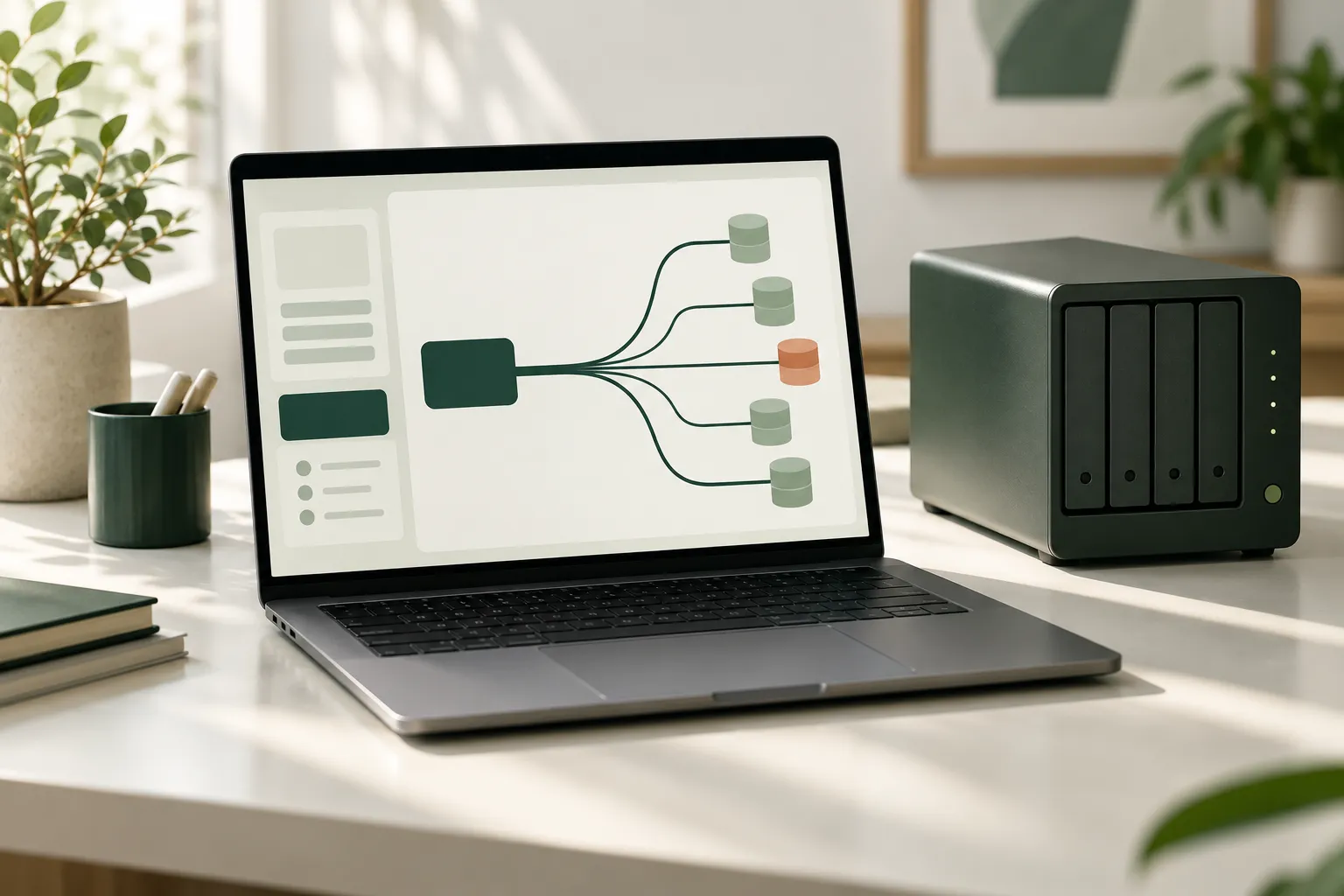
Preview deployments are now common: every pull request gets its own URL so a reviewer can click through the change before it merges. The weak point is usually the database. Most previews share one staging database, so two pull requests with different migrations collide, test data drifts into a state nobody understands, and a reviewer cannot tell whether a bug comes from the change or from someone else’s experiment.
Giving each pull request its own database fixes this. Until recently that was slow and expensive. Database branching, offered by Postgres platforms such as Neon and Supabase, makes it practical. This article covers how to set it up: where the data comes from, how migrations run, how branches are cleaned up and what to expect on the bill.
What a database branch is
A database branch is a separate, writable copy of a database that you can create and delete in seconds or minutes. The two platforms approach it differently.
Neon branches are copy-on-write clones. A new branch starts with all the data in its parent at that moment, without copying it, and creating it does not add load to the parent. Neon also supports schema-only branches, which copy the structure but no rows, and branch expiry times, so a branch deletes itself after a set period.
Supabase preview branches are separate environments created from your main project, with their own database, auth and storage. They are data-less by default. Migrations from your repository are applied to the branch, and a seed file can be run afterwards. With the GitHub integration, a branch is created for each pull request and deleted automatically when the pull request is merged or closed.
Neither is wrong. Neon’s model suits teams who want previews to start from realistic data quickly. Supabase’s model suits teams who want previews to be built entirely from what is in the repository.
Decide what data previews get
This is the decision that matters most, and the one most often skipped.
Branching a production database gives every preview real customer data. Anyone with access to the preview, including contractors and anyone a preview link is shared with, can see it. For most organisations, and anyone handling health, financial or personal data, that is not acceptable.
Safer options, in order of preference:
- Seed from code. A seed script creates a small, realistic dataset: a few accounts, typical records, the awkward cases that tend to break things. It lives in the repository and changes with the schema. This is the approach Supabase branching is built around.
- Branch from a sanitised parent. Keep a separate database that holds an anonymised copy of production, refreshed on a schedule, and branch previews from that. Names, contact details and free text are replaced; volumes and shapes are kept. On Neon, this is a branch or project that previews use as their parent.
- Schema-only branches. Start empty and run the seed. Useful when even anonymised data is too sensitive.
Anonymisation is harder than it looks. Free-text fields, notes and file attachments often contain personal details that column-level masking misses. Treat the sanitised copy as sensitive until someone has checked it properly.

Run migrations in CI, not by hand
Each preview should prove that the pull request’s migrations apply cleanly to a database in the same state as production. The pipeline does this:
- Create a branch for the pull request.
- Run the migrations from the pull request against it.
- Run the seed script if the branch started empty.
- Deploy the preview application with the branch’s connection string.
- Run tests against the result.
If step 2 fails, the pull request has a broken migration, and you found out before merge rather than during a release.
Here is a simplified example using Neon’s GitHub Actions, not production code. It assumes a migrate and seed script in the project and a Neon API key stored as a repository secret.
name: Preview database

on:
  pull_request:
    types: [opened, reopened, synchronize, closed]

jobs:
  create:
    if: github.event.action != 'closed'
    runs-on: ubuntu-latest
    steps:
      - uses: actions/checkout@v4
      - id: branch
        uses: neondatabase/create-branch-action@v6
        with:
          project_id: ${{ vars.NEON_PROJECT_ID }}
          parent_branch: sanitised
          branch_name: preview/pr-${{ github.event.number }}
          api_key: ${{ secrets.NEON_API_KEY }}
      - run: npm ci
      - run: npm run migrate && npm run seed
        env:
          DATABASE_URL: ${{ steps.branch.outputs.db_url }}

  delete:
    if: github.event.action == 'closed'
    runs-on: ubuntu-latest
    steps:
      - uses: neondatabase/delete-branch-action@v3
        with:
          project_id: ${{ vars.NEON_PROJECT_ID }}
          branch: preview/pr-${{ github.event.number }}
          api_key: ${{ secrets.NEON_API_KEY }}
A few details that matter in practice:
- Name branches after the pull request so the create step can find an existing branch on later pushes, and the delete step knows what to remove.
- Pass the connection string as a secret to the preview deployment, never in logs or comments. Branch credentials still give access to whatever data the branch holds.
- Decide what happens on new commits. Rerunning only new migrations is fast. Resetting the branch to its parent and replaying everything is slower but catches migrations that only work because of earlier state. Neon offers a reset action for this.
- Check migrations are reversible or forward-fixable. A preview is a good place to test a rollback script, if your team writes them.
Clean up automatically
Branches left running cost money and, if they hold copied data, widen the number of places that data lives.
- Delete the branch when the pull request closes, as in the example above, or rely on Supabase’s automatic deletion.
- Set an expiry on Neon branches as a backstop, so a failed clean-up job does not leave branches running for months.
- Run a scheduled job that lists preview branches and removes any whose pull request is closed.
- Clean up the preview application and its secrets at the same time as the database.
What it costs
Branching changes the cost model rather than removing it.
- Neon bills compute by usage, and idle computes can scale to zero, so a preview nobody is looking at costs little compute. Child branches are billed for storage on the data that has changed since they were created, capped at their logical size. Each plan includes a number of branches, with a charge for branches beyond that.
- Supabase charges each preview branch for the compute, disk and other usage it incurs, billed by the hour. Branch usage counts towards your plan’s quota and is not covered by the spend cap.
On either platform, the costs that surprise people are branches that never get deleted and previews that keep a database awake through constant health checks. Check current prices on each provider’s pricing page and estimate from the number of pull requests your team opens in a typical week.
The trade-offs
Per-pull-request databases add moving parts to the pipeline: API keys, branch naming, seed scripts that need maintaining, and another place for credentials to leak. Seed data drifts out of step with real usage unless someone owns it. And a branch on a managed Postgres platform is only a faithful test if production runs on the same platform or a close equivalent. If production is a different Postgres host, extensions and settings may differ.
For a small team with infrequent schema changes, a shared staging database with disciplined resets may be enough. The case for branching grows with the number of people changing the schema at once.
When to bring in help
If previews keep breaking because of a shared database, or you are unsure how to give reviewers realistic data without exposing real customers, it is worth setting this up deliberately. We can help design seed and anonymisation approaches, wire branching into your pipeline, and define the infrastructure in code so it stays reviewable.