Product strategy & design / Capability



Prototyping & validation.
Test the key task with the people who do it, using a prototype, before committing engineering time.
Talk through your idea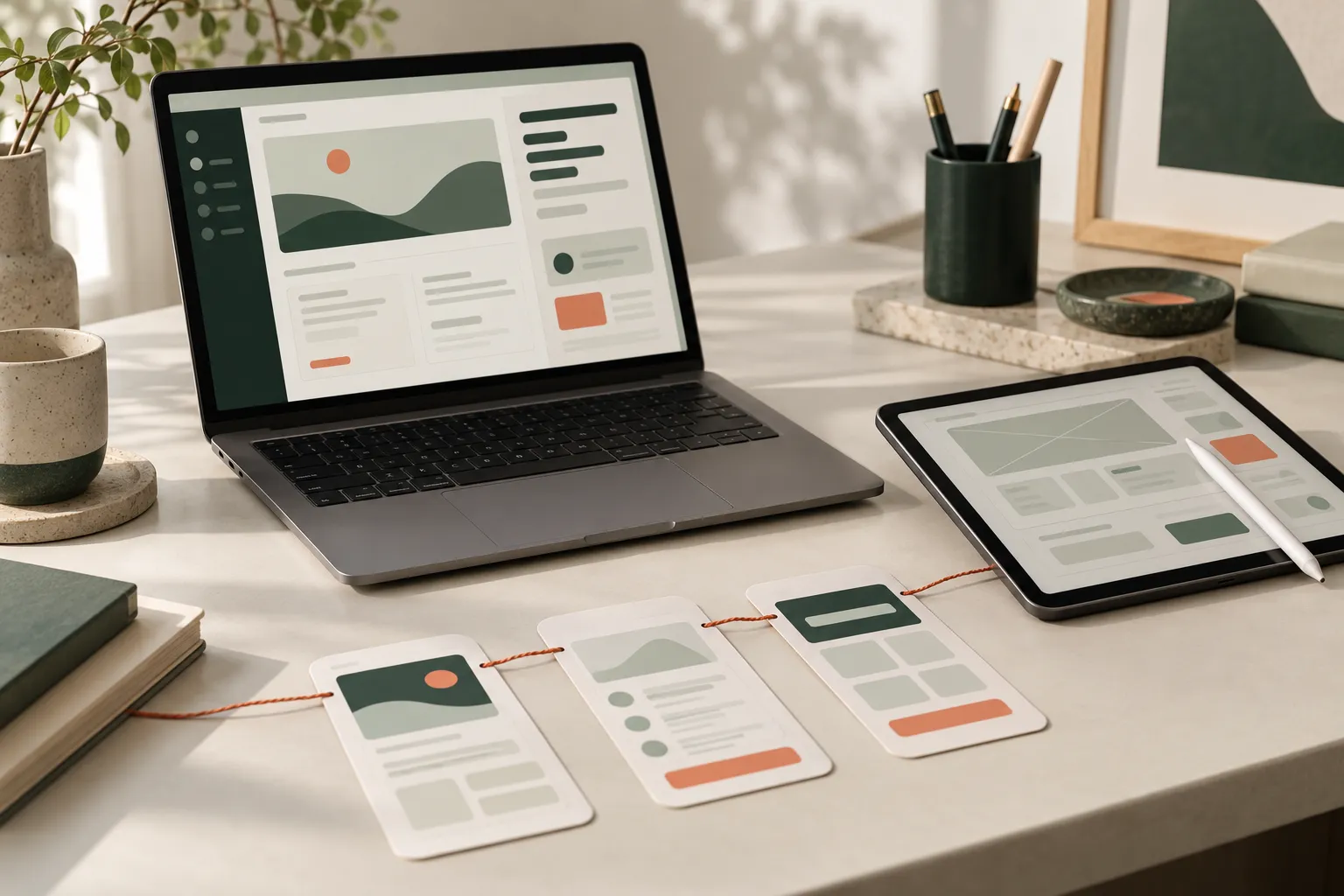
When to bring us in
Sound familiar?
- We’re about to spend months building something nobody has tried yet.
- Our stakeholders can’t picture the product from a document.
- We think we know where users will get stuck, but we’ve never watched them.
The cost of leaving it
The first real test happens after launch, with paying customers or busy staff as the testers. Fixing a flow then means rework in code, data and training, not an afternoon in a prototype.
Why us
What we bring to prototyping & validation.
Designers who stay for the build
Design and engineering sit in one team, so the people who drew a screen are still there when it is built and tested.
Decisions in working prototypes
We settle the important journeys in prototypes people can click through, before anyone writes code that depends on them.
A view for every role
SoulCare gives coordinators, carers and families each the screens their job needs. We design client products the same way.
What the work includes
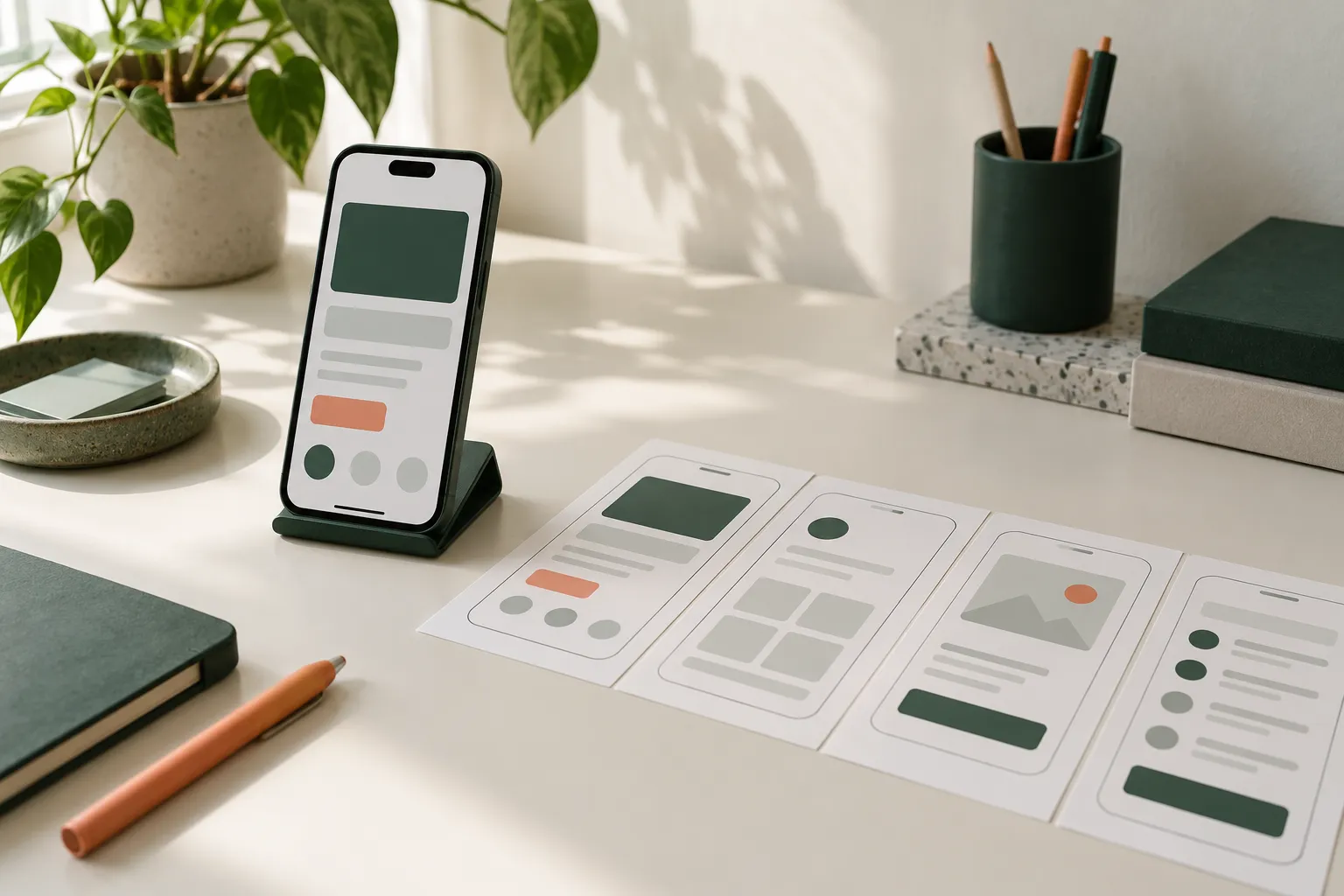
Find the confusing step while it’s cheap to fix.
We build a prototype of the task that matters most, realistic enough that people respond to it as they would the real thing. Sessions with the people who do the work show where they hesitate or work around it. Changes are made between rounds, so the version that reaches engineering has already been tried.
Prototype scope
Choose the task and decisions the prototype needs to test, and leave out the rest.
Clickable prototype
Screens and realistic content linked so people can complete the task without explanation.
Test sessions
Short sessions with the people who do the work, watching what they do as well as what they say.
Findings and changes
A plain account of what worked, what didn’t and what changed as a result.
Use cases
Projects we take on.
A mobile visit checklist
Step order, tap targets and what happens with no signal, tried by people who visit clients for a living.
An online application form
A multi-step form put in front of prospective customers to find where they stop, hesitate or enter the wrong thing.
Controls for a training session
A control layout tested with instructors who need to change settings mid-session without looking away for long.
What you get
Outputs you can review.
- Clickable prototype of the core task
- Test plan and session script
- Findings from each round of sessions
- Revised prototype ready for build planning
Technologies we use for this
Where it matters
- Health & social care Carers record visits on a phone between homes, so we test task flows for speed and one-handed use with the carers themselves.
- Medical education Educators change a scenario while learners watch, so we design the control screen and the learner’s view together and test them as a pair.
- Property & field services A repair moves between customer, inspector, worker and office; we map each hand-off before designing the screens for any one role.
Where AI helps
Useful, on a short leash.
Faster throwaway prototypes
Generate rough variants of a screen to test an idea in hours, knowing none of it is production code.
AI workflow automation ↗Summarising test sessions
Turn session recordings into a list of where people hesitated or failed, for the researcher to check against the video.
AI workflow automation ↗
Where it stops: A model cannot stand in for the people you are designing for. Simulated users tell you what a model expects, not how your staff work.
What’s changing
Shifts to plan for.
October 2025
WCAG 2.2 becomes an ISO standard
WCAG 2.2 was approved as ISO/IEC 40500:2025, which makes it easier for governments and buyers to require it by name.
June 2025
European Accessibility Act applies
Many consumer products and services sold in the EU, including online shops, banking services and e-books, must now meet accessibility requirements. Microenterprises providing services are exempt.
October 2024
UK public sector checks against WCAG 2.2
The government began monitoring public sector websites and apps against WCAG 2.2 AA, which adds criteria on focus, dragging and target size.
Process
How the work runs.
Pick the decision
We agree the question the prototype must answer, such as whether people can finish the task unaided.
Build only that path
Screens outside the task stay as placeholders, which keeps each round quick to change.
Run short sessions
A handful of people work through the task while we watch, and repeated problems show up quickly.
Change, then retest
Fixes go into the prototype between rounds, and the next sessions check whether they helped.
Cost
What shapes the estimate.
Fidelity needed
A coded prototype for touch or device behaviour takes more effort than linked screens.
Recruiting participants
Specialist users, such as clinicians or finance staff, take longer to find and schedule.
Rounds of testing
Each extra round adds sessions, analysis and changes, so we agree up front how many are useful.
Ways to work together
A first, fixed stage
Discovery, a prototype or a technical review with agreed outputs, so the next decision is made with something concrete in hand.
Delivery in phases
The build split into releases, each with a scope you review and approve before it starts.
Ongoing engineering
An agreed scope for support and improvements after launch, with response expectations written down.
Common questions
Before you get in touch.
Who should take part in testing?
People who do the work the product supports, ideally a mix of experience levels. We can help plan who to invite; you know who has the relevant knowledge.
Is a prototype a working version of the product?
No. It shows how the product would behave with realistic content, but it doesn’t connect to your systems. Where touch or device behaviour matters, we build it in code; either way its job is to answer questions quickly.
What affects the effort involved?
How many tasks and roles we test, how realistic the content needs to be and how many rounds of sessions are useful before decisions are made.