Cloud & delivery / Capability



Infrastructure as code.
Define environments in version-controlled code, so changes are reviewed and drift is easy to spot.
Review your release process
When to bring us in
Sound familiar?
- Production was set up by hand and nobody is sure what’s in it.
- Staging and production behave differently and we can’t see why.
- Infrastructure changes happen in the console with no record of who changed what.
The cost of leaving it
Production stays a one-off nobody can rebuild with confidence. Console changes leave no record, so when staging and production disagree, finding out why takes hours.
Why us
What we bring to infrastructure as code.
Infrastructure kept in code
Our own products run on AWS with infrastructure defined in Terraform, so environments can be reviewed and rebuilt.
Data kept apart by design
In SoulCare, each care provider has its own PostgreSQL database rather than sharing tables with everyone else.
Accounts set up in your name
Cloud accounts and databases are yours from the first day, not something to transfer at the end.
What the work includes
Treat infrastructure changes like code changes.
We describe networks, databases, permissions and services in Terraform, kept in version control next to the application. Changes are proposed, reviewed and applied the same way every time, with a plan showing what will change before it does. Staging and production come from the same definitions, so they stay alike.
Codifying existing infrastructure
Bring hand-built resources under Terraform without disrupting what is running.
Environment definitions
Development, staging and production built from shared modules with per-environment settings.
Reviewable changes
A plan of every change shown for review before it is applied.
Drift detection
Regular checks that flag when the running setup no longer matches the code.
Use cases
Projects we take on.
Codifying a hand-built account
Resources created in the console imported into Terraform, so the next change is reviewed rather than clicked.
Matching staging to production
Staging and preview environments created from the same modules as production, at smaller sizes.
An environment per customer
A repeatable module that creates an isolated environment for each new customer from one set of inputs.
What you get
Outputs you can review.
- Terraform modules for your infrastructure
- Environment configurations
- State storage and locking setup
- Change review and apply workflow
- Drift check and runbook
Technologies we use for this
Where it matters
- Health & social care Where each care provider has its own database and access rules, environments, backups and schema changes have to be managed per provider.
- Fintech & professional services Infrastructure changes need review and a record of who approved them; version-controlled code and pipeline approvals give you both.
Where AI helps
Useful, on a short leash.
Summarising planned changes
Turn a long Terraform plan into a short note on what will change, for the reviewer to check against the plan itself.
AI workflow automation ↗Spotting risky changes
Flag plans that delete data stores or open network access, so they get a closer look before approval.
AI evaluation & testing ↗
Where it stops: Nothing is applied to your infrastructure because a model suggested it. Every change goes through review and the same pipeline.
What’s changing
Shifts to plan for.
June 2026
Amazon Linux 2 reaches end of life
Amazon Linux 2 reached end of life on 30 June 2026. Lambda runtimes built on it, such as Python 3.10 and 3.11 and older Java, get limited patches until their own deprecation dates.
April 2026
Lambda deprecates Node.js 20
Lambda stopped patching the nodejs20.x runtime on 30 April 2026. Creating functions on it is blocked from 29 July 2027 and updating them from 31 August 2027.
April 2026
MySQL 8.0 reaches end of life
Oracle moved MySQL 8.0 to Sustaining Support, so Oracle no longer releases security fixes for it. Oracle recommends moving to MySQL 8.4 LTS or 9.7 LTS.
Process
How the work runs.
List what’s running
We record every resource in the account and note which ones are safe to import first.
Write shared modules
Building blocks are written for networks, databases and services, with inputs that vary by environment.
Import without disruption
Existing resources come under Terraform, and the plan must show no changes before we move on.
Set the workflow
Plans run on every pull request, applies need approval, and state is stored remotely with locking.
Cost
What shapes the estimate.
Resources built by hand
Importing existing resources is slower than creating new ones from code.
Environments and accounts
More environments mean more configuration to keep aligned.
Providers involved
Each extra cloud or third-party provider adds modules and credentials to manage.
Ways to work together
A first, fixed stage
Discovery, a prototype or a technical review with agreed outputs, so the next decision is made with something concrete in hand.
Delivery in phases
The build split into releases, each with a scope you review and approve before it starts.
Ongoing engineering
An agreed scope for support and improvements after launch, with response expectations written down.
Relevant product work
See it in SoulCare.
SoulCare’s AWS infrastructure is defined in Terraform.
Explore SoulCare ↗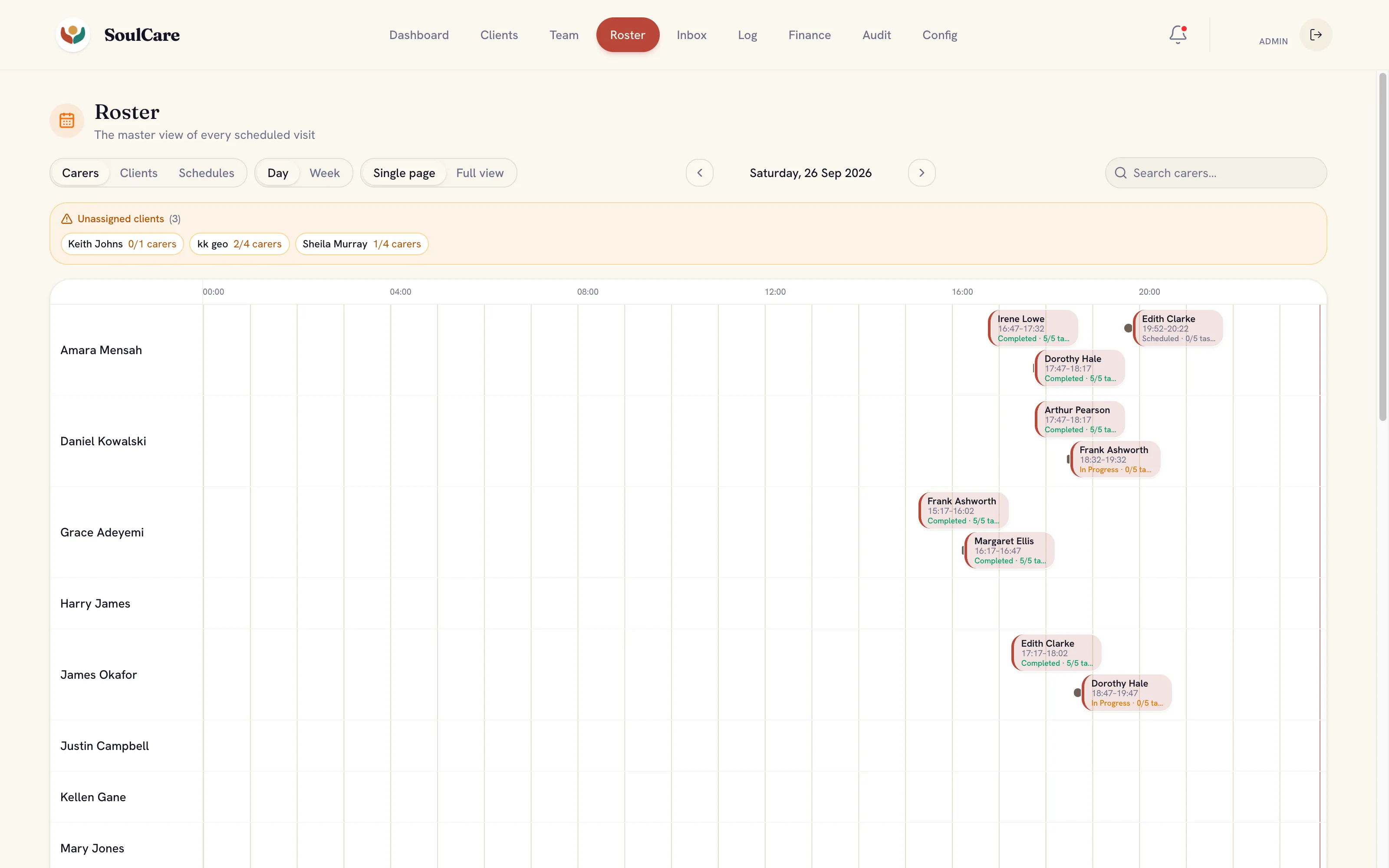
Common questions
Before you get in touch.
Can you bring our existing setup under code?
Yes. Existing resources can be imported into Terraform gradually, starting with the parts that change most or carry the most risk.
Will our team be able to maintain it?
That is the aim. We keep modules readable, document the workflow and can review the first changes your team makes.
What affects the effort?
The number of environments and resources, how much was built by hand, the providers involved and how changes are approved today.
Further reading
- A database for every pull request: preview environments that work How to give each pull request its own database branch, with safe data, tested migrations and automatic clean-up.



- Terraform from day one: infrastructure as code that lasts How to start with Terraform in the first environment, so infrastructure stays reviewable and a new team can take it over.