Software engineering / Capability







Mobile app development.
iOS and Android apps that work offline, handle device permissions well and ship through the app stores.
Tell us what you’re building
When to bring us in
Sound familiar?
- Our field staff lose work when the signal drops halfway through a form.
- We need iOS and Android but can’t justify two separate codebases.
- Every app store submission turns into a week of fixes and resubmissions.
The cost of leaving it
Field staff retype work lost to a dropped signal, or go back to paper. Each store submission stays a scramble, so fixes reach users weeks after they are ready.
Why us
What we bring to mobile app development.
We run what we ship
We build and operate SoulCare and SimRhythm ourselves, so releases, support and upgrades after launch are familiar work.
One codebase where it fits
SimRhythm runs on iOS, Android and the web from a single Expo app, which keeps three platforms on one release.
Code and accounts in your name
Repositories, cloud accounts and databases belong to you, and handover includes deployment steps and operating notes.
What the work includes
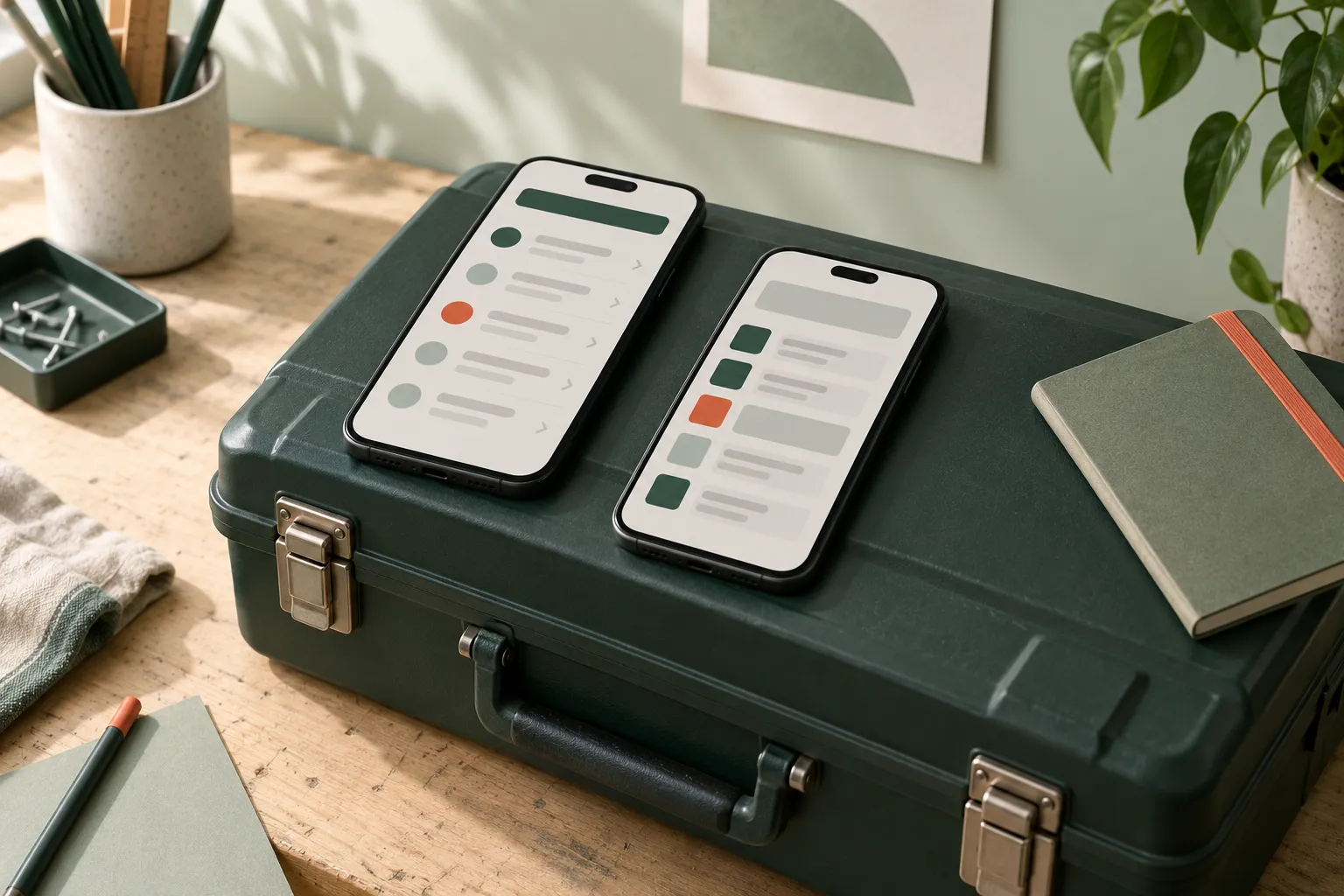
Build for the signal, battery and pocket people actually have.
People use mobile apps on the move, often with a weak connection and one free hand. We design for offline use and sync from the start, ask for device permissions only when they’re needed, and keep notifications useful. Releases go through the App Store and Google Play with a process your team can repeat.
Offline use and sync
Data stored on the device and synchronised safely when the connection returns.
Device features and permissions
Camera, location and notifications requested in context, with a sensible path when access is refused.
Push notifications
Notifications tied to real events, with preferences people can control.
App store releases
Builds, signing, store listings and review submissions for the App Store and Google Play.
Use cases
Projects we take on.
A field engineer job app
Engineers see the day’s jobs, take photos, capture signatures and close work orders, with or without a signal.
A companion app for a platform
Customers get the few tasks they do most often on their phone, backed by the same API as the main web product.
A tablet app for teaching
An app used in classrooms or skills labs, built to run full screen on iPad and Android tablets.
What you get
Outputs you can review.
- iOS and Android apps from a shared codebase
- Offline storage and sync strategy
- Push notification setup
- App Store and Google Play release process
- Source code and release documentation
Technologies we use for this
Where it matters
- Health & social care Carer apps have to record visits and medication on poor signal, then sync cleanly once the phone is back online.
- Medical education A simulator used in class has to behave the same on an iPad, an Android phone and a laptop browser, and that shapes the choice of codebase.
- Property & field services Workers capture photos and checklists on site, so uploads must survive a weak connection and still attach to the right job.
Where AI helps
Useful, on a short leash.
Notes from voice
Turn a spoken note into a structured draft the person reviews before saving, useful when hands are busy.
AI workflow automation ↗Reading photos of documents
Pull details from a photographed form or label into the app, with the image kept alongside for checking.
Document data extraction ↗
Where it stops: Features that must work offline cannot rely on a cloud model, and on-device models add size and battery cost. We weigh that before adding one.
What’s changing
Shifts to plan for.
August 2026
Google Play targets Android 16
New apps and updates for phones and tablets must target API level 36. Extensions can be requested until 1 November 2026.
April 2026
Node.js 20 reaches end of life
The Node.js project stopped security fixes for version 20 on 30 April 2026, so services still on it need a move to 22 or 24.
April 2026
App Store requires the iOS 26 SDK
Since 28 April 2026, uploads must be built with Xcode 26. Apps can still support older iOS versions; only the build tools changed.
Process
How the work runs.
Decide what works offline
We list which actions must work without a connection and how conflicts are settled when devices sync.
Build on real devices
Builds run on actual phones from the first weeks, so camera, location and performance problems surface early.
Prepare store submissions
Privacy details, permission wording and screenshots are drafted during the build, not the week before release.
Script the release
Signing, versioning and submission are automated, so the next release doesn’t depend on one person’s laptop.
Cost
What shapes the estimate.
Depth of offline use
Read-only offline access is simpler than creating and editing records that sync later.
Device features
Camera, maps, background location and Bluetooth each add build and testing work on both platforms.
Supporting web tools
An admin dashboard or web version alongside the app is a second interface to design and build.
Ways to work together
A first, fixed stage
Discovery, a prototype or a technical review with agreed outputs, so the next decision is made with something concrete in hand.
Delivery in phases
The build split into releases, each with a scope you review and approve before it starts.
Ongoing engineering
An agreed scope for support and improvements after launch, with response expectations written down.
Relevant product work
See it in SimRhythm.
SimRhythm runs on iOS and iPad, Android and the web from one Expo, React Native and TypeScript codebase, using React Native Skia.
Explore SimRhythm ↗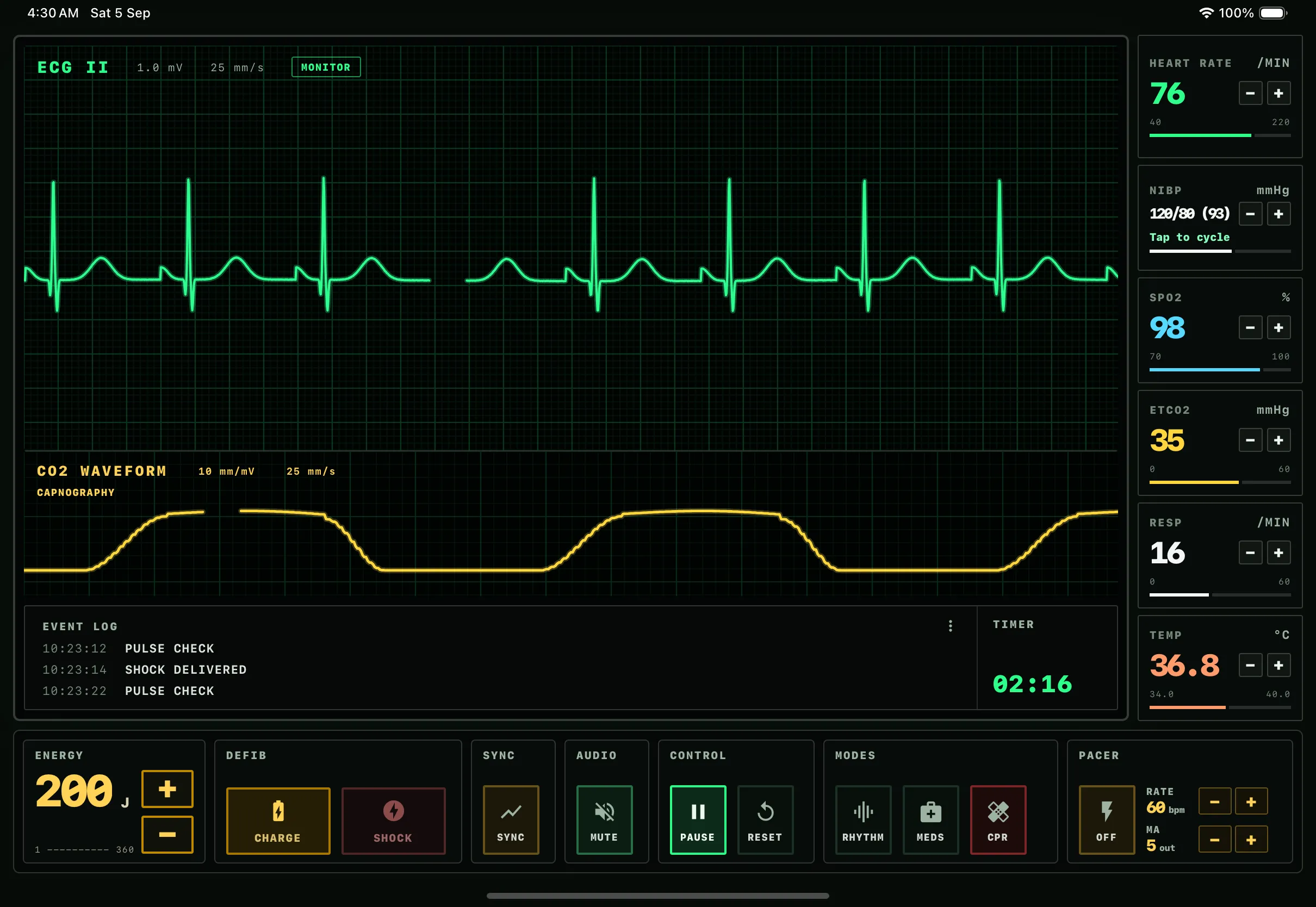
Common questions
Before you get in touch.
Should we build native or cross-platform?
It depends on the device features you need, performance requirements and who will maintain the app. Cross-platform suits most business apps; we recommend native where there’s a specific reason.
Can the app share a back end with our web application?
Yes. Mobile and web can use the same APIs and data, with mobile-specific needs such as offline sync and notifications handled alongside.
What affects the cost of a mobile app?
Offline requirements, the device features used, the number of roles and screens, integrations and whether a web version or admin tool is also needed.
Further reading
- Awaab’s Law and the software landlords use for repairs What Awaab’s Law asks of the systems social landlords use to log, investigate and repair hazards, and the records they need to keep.
- Firebase, Supabase or a custom back end: how to choose How to choose between Firebase, Supabase and a custom back end by data shape, access rules, cost, exit paths and skills.




- Offline-first mobile apps for people who work without signal How to plan a mobile app that keeps working without signal, and what to settle before the first line of sync code.