Software engineering · · 7 min read · By the Cirlume studio
Offline-first mobile apps for people who work without signal
How to plan a mobile app that keeps working without signal, and what to settle before the first line of sync code.
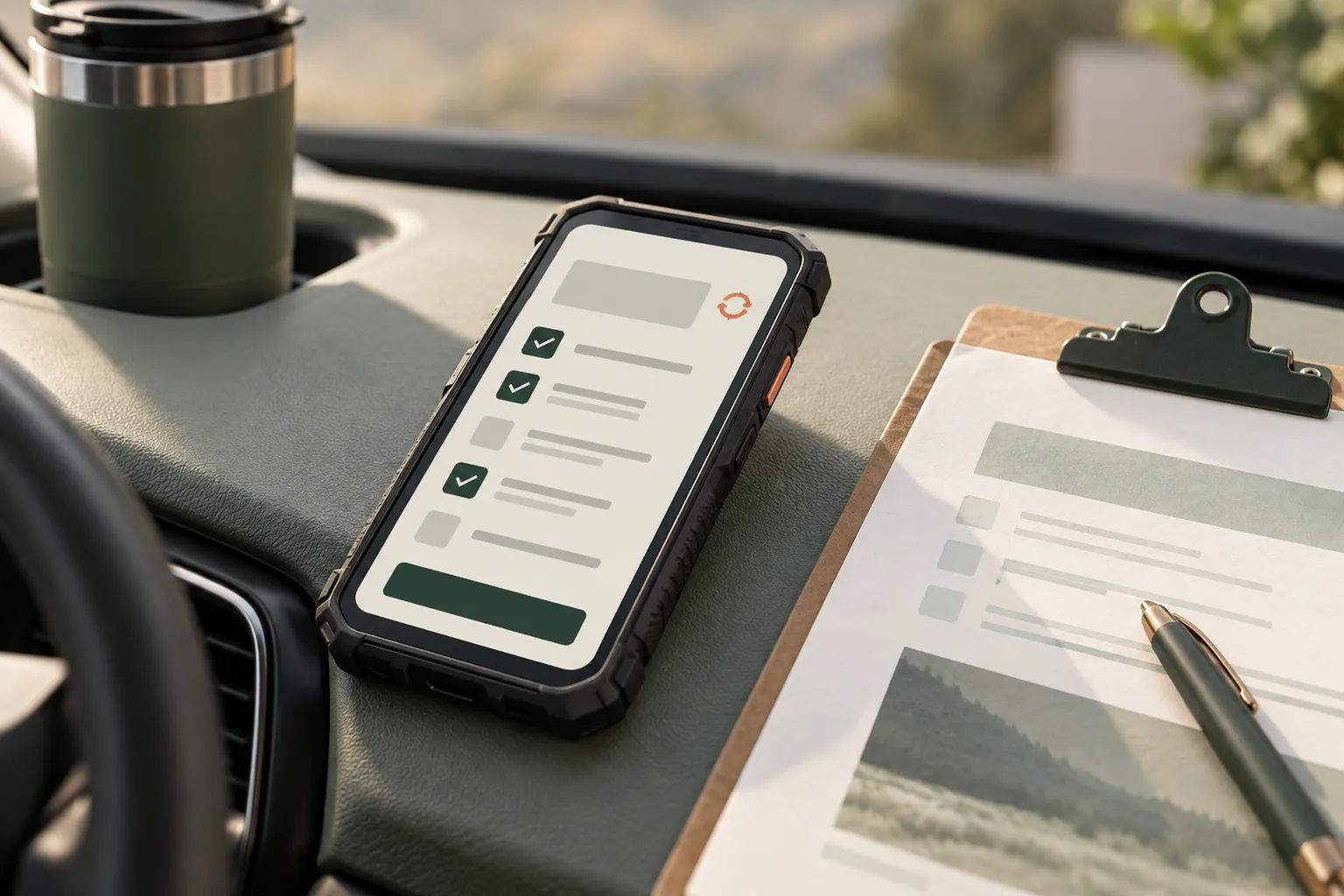
A carer finishes a visit in a flat with no signal. An engineer records a repair in a basement plant room. An inspector walks a rural site where the phone shows one bar, then none. If the app needs a connection to save their work, they will write it on paper and type it up later, or not at all.
Most mobile apps are built on the assumption that the network is there and occasionally fails. For people who work in homes, basements and rural areas, the opposite is closer to true. Planning for that from the start changes how data is stored, how the server is designed and how the app is tested. Adding it afterwards usually means rewriting the parts that matter most.
Decide what has to work offline
Not everything needs to. Start by listing what people do on a shift and mark each action as one of:
- Must work offline. Recording a visit, completing a checklist, taking photos, capturing a signature.
- Can wait for signal. Searching the full customer history, viewing reports, changing account settings.
- Should never happen offline. Actions where acting on stale information is dangerous, or where the server must check something first. Taking payment is the usual example.
Be honest about the middle category. Every action moved into “must work offline” adds data to store on the device and cases to handle in sync. The aim is a short list of things that always work, done well.
Local storage is the source of truth on the device
In an offline-first app, screens read from and write to a local database on the device, not straight to the API. The network becomes a background process that moves changes in each direction when it can.
That has some practical consequences:
- Choose what to download. A field worker needs today’s and tomorrow’s jobs, the details of those homes and the forms they will fill in. They don’t need every record in the organisation. Define this as a rule the server applies, and refresh it when the schedule changes.
- Use a real database. SQLite is the common choice on phones. Key-value storage is fine for settings but becomes hard to query and migrate once the data has relationships.
- Plan schema changes. The local database will need migrations, just like the server. An update that cannot read the data written by the previous version can lose unsent work.
- Handle photos separately. Store files on the device and upload them on their own queue. A failed photo upload should not block the rest of the record.
- Protect what is stored. Personal and health information on a lost phone is a data protection problem. Encrypt local data, require the device to be locked, and decide what happens to stored records when someone signs out or leaves.
Queue writes, don’t send them
Each change a user makes is saved locally and added to an outbox. A sync process sends the outbox in order when there is a connection, and removes an item only once the server confirms it.
Here is a simplified example of a queued write, not production code:
type QueuedWrite = {
  id: string;            // generated on the device, used as an idempotency key
  entity: 'visit' | 'note';
  entityId: string;
  baseVersion: number;   // the server version this change was made against
  payload: unknown;
  createdAt: string;
  attempts: number;
};

async function recordVisitNote(visitId: string, text: string, version: number) {
  await db.transaction(async (tx) => {
    await tx.notes.insert({ visitId, text, pending: true });
    await tx.outbox.insert({
      id: crypto.randomUUID(),
      entity: 'note',
      entityId: visitId,
      baseVersion: version,
      payload: { text },
      createdAt: new Date().toISOString(),
      attempts: 0,
    });
  });
}
Two details matter more than they look. The local change and the outbox entry are written in one transaction, so a crash can’t leave one without the other. And each write carries an ID generated on the device, so if the connection drops after the server saves it but before the phone hears back, a retry doesn’t create a duplicate. The server has to check that ID for this to work.
Show people what hasn’t been sent yet. A small marker on unsynced records and a clear count of pending changes stop someone assuming their work has reached the office when it hasn’t.
Sync and conflicts
Conflicts happen when two people change the same thing while one of them is offline. A coordinator reassigns a visit while the carer, without signal, marks it complete. It will happen, so the system needs a defined response.
There is no single rule. Decide per type of data:
- Append-only records rarely conflict. Notes, photos, readings and timestamps can usually all be kept. Design data as additions rather than edits wherever you can.
- Some fields can take the latest value. A contact phone number edited twice can usually keep the most recent change, as long as the earlier one is recorded.
- Some conflicts need a person. Status changes, assignments and anything with legal or financial weight should be flagged for someone to resolve, with both versions visible.
Sending baseVersion with each write lets the server notice when a record changed after the device last saw it. Silently overwriting is the outcome to avoid. It is the one users notice only when something has already gone wrong.
What the server decides
The device can record what happened. The server decides what it means. Keep these on the server:
- Permissions. Check every queued write against what the user is allowed to do at the time it arrives, not only when it was made. Someone who has left the organisation should not be able to sync a backlog.
- Rules and calculations. Pay, charges, compliance deadlines and anything reported externally. If the app shows a provisional figure offline, label it as such.
- Time. Record both the device time and the time the server received the change. Device clocks are wrong more often than you would expect.
- Old app versions. People don’t all update at once. The API has to accept writes from versions still in use, which means versioning it and planning when older versions stop being supported.
Test where the work happens
Simulated network conditions on a developer’s desk catch some problems. They miss most of the ones that matter. Signal that drops halfway through an upload, a phone that sleeps the app in the background, a shared device low on storage after months of photos.
- Test on the actual devices staff use, including older ones.
- Go to the places with poor signal and complete a full shift’s work there.
- Leave a device offline for a day, then reconnect and check every record arrives once.
- Install an update with unsent changes on the device and confirm nothing is lost.
- Watch how people react when the app says something is pending. Their reaction tells you whether the wording works.
App store releases
Mobile releases are slower to correct than web releases. Each build goes through store review, and users who already installed a version keep it. Apple’s phased release spreads an update across seven days for users with automatic updates and can be paused. Google Play’s staged rollouts let you pick a percentage of users and halt the rollout, though anyone who already received the update keeps it.
Use both. Release to a small group first, watch crash reports and sync errors, then widen it. Keep the server able to work with the previous version, because some phones will stay on it for weeks.
The trade-offs
Offline-first costs more to build and test than an online-only app. Sync logic is subtle, conflicts need product decisions as well as code, and the server must accept work that arrives late. For an app used at a desk with reliable Wi-Fi, it is often not worth it. For people whose work happens away from signal, an app that needs a connection tends to get replaced by paper.
When to bring in help
If you are planning a mobile app for staff in the field, or have one that loses work when the signal drops, it is worth settling what must work offline and how conflicts are handled before more features are added. We can help define the offline scope, design the sync and server rules, and test it with the people who will rely on it.