Product strategy & design · · 6 min read · By the Cirlume studio
One record, three apps: designing a shared live record
What it takes for a dashboard, a mobile app and a family app to read and write the same live record without copies.
When several groups of people care about the same piece of work, each group tends to get its own tool. The office has a spreadsheet, the field team has a messaging group and the customer gets a phone call. Each one holds a slightly different version of the truth, and someone spends their day reconciling them.
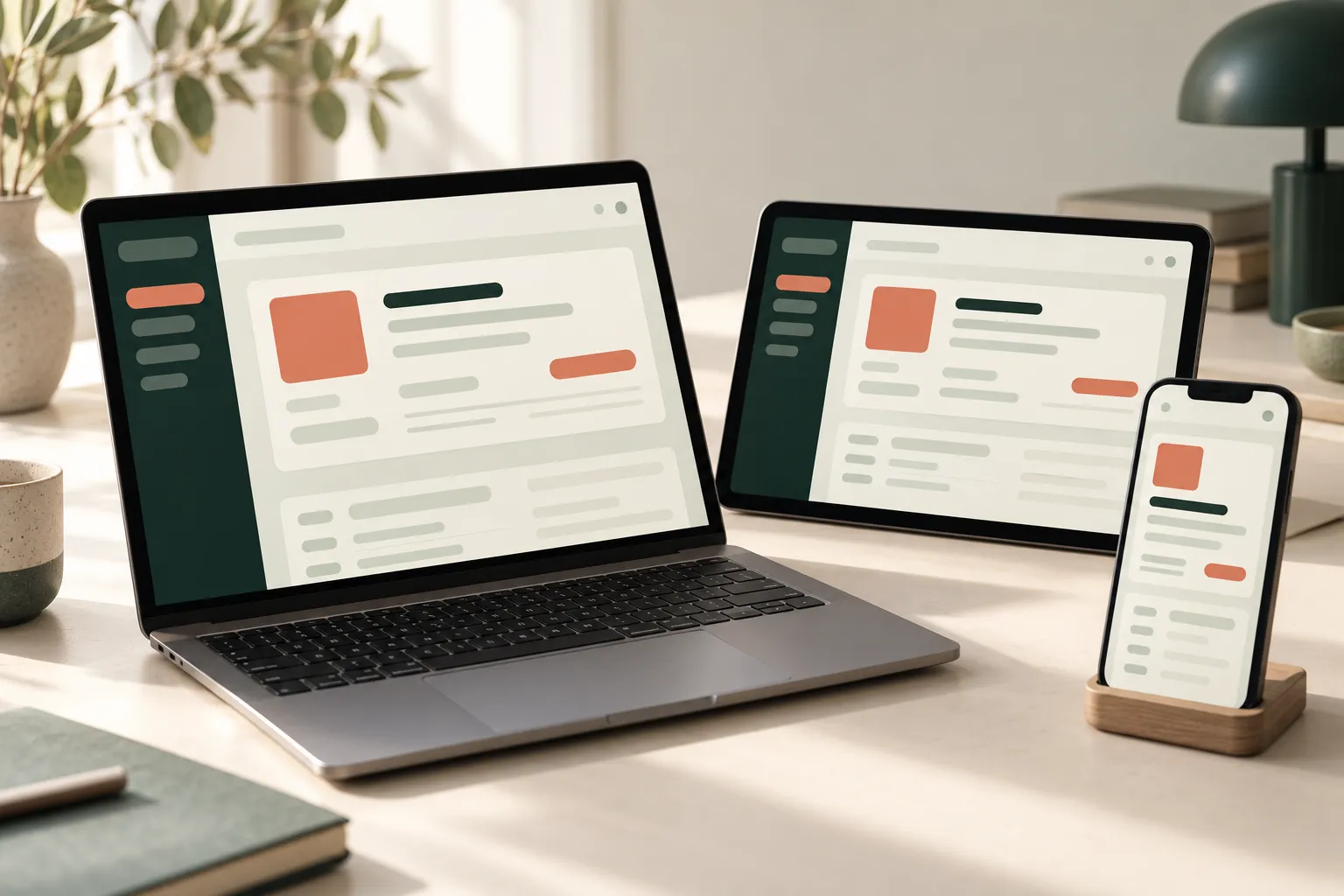
SoulCare, our home-care platform, takes the other route. A coordinator plans a visit on a web dashboard, a carer works it from a mobile app and a family member follows it from their own app. All three read and write the same visit record. This article covers the design questions behind that choice, which apply to any product where different people share one piece of live work.
Start with the record, not the screens
The first decision is what the shared thing actually is. In SoulCare it is a dated visit: a client, a time window, one or more carers, the tasks and medication due, and what actually happened. A recurring schedule template generates those visits, and the roster, the carer’s phone, the client’s record, the medication chart and the finance screens all read the same visits rather than keeping copies.
Getting this right takes discovery work before design. Ask each group:
- what they need to know before the work happens;
- what they record while it happens;
- what they need to confirm or act on afterwards.
The answers usually show that most fields belong to one group, and only a few are written by more than one. That shapes the rest of the design.
What each person needs to see
Three apps over one record does not mean three copies of the same screen. Each view answers different questions.
The coordinator
A coordinator works across many visits at once. They need to plan, spot gaps and react when something changes. In SoulCare that means a master roster by carer, client or visit, clash and drive-time checks when a visit moves, and planned and actual times side by side. Density matters more than simplicity here, because the coordinator is comparing.
The carer
A carer works one visit at a time, often on a small screen, sometimes in a hurry. They need today’s rota, the details of the next visit, a way to clock in and out, the tasks to complete and the medication chart. Everything else is noise. The design priority is speed and clarity: large targets, few steps, and no ambiguity about which visit they are recording against.
The family
A family member wants reassurance and a way to raise something. In SoulCare that is visit status, requests to the care team and reporting a concern. They do not need the roster, the carer’s other visits or pay rates, and showing them would be a privacy problem as well as clutter.
Roles and permissions
Permissions follow from the views. Write them down as a matrix of role, record and action before building, and check it with the people who will run the service.
A few principles help:
- Scope by relationship, not just role. A carer can see the visits assigned to them, not every visit. A family member can see visits for the person they are linked to, and only while that link is active.
- Separate reading from writing at field level. A carer records clock-in, completed tasks and medication given. They should not be able to change the planned time or the client’s care plan.
- Enforce it on the server. Hiding a button in the app is a design choice, not a control. Every request should be checked against the signed-in user’s role and relationships on the server, whatever the client sends.
- Keep an audit trail. When several people can touch the same record, you will be asked who changed what and when. Record it from the start.
Offline and conflicting updates
A shared live record has to cope with people who are not live. Carers go into homes with poor signal. Coordinators change plans while a carer is mid-visit.
Decide what must work offline
Not every action needs to work without a connection. List the actions a field worker must be able to complete regardless, such as recording that they arrived or that a task was done, and design those to be stored on the device and sent later. Show clearly when something is waiting to sync, so nobody assumes it has reached the office.
Decide who wins
Conflicts are easier to handle when you avoid most of them by design. If each field has one owner, two people rarely edit the same value. For the remaining cases, pick a rule per field rather than one rule for the whole record:
- Facts from the field win. A recorded clock-in time reflects something that happened. A later edit from the office should not silently overwrite it; it should be a visible correction.
- Plans from the office win. If a coordinator moves a visit while a carer’s phone is offline, the carer should see the new plan when they reconnect, with a clear note that it changed.
- Some conflicts need a person. If two coordinators reassign the same visit at once, reject the second change and show the current state, rather than guessing.
Record timestamps from the device and the server, and keep both. They tell you what happened when the two disagree.
Notifications
A change to the record only helps if the right person notices it. Notifications are where shared records often become noisy.
- Notify on decisions, not edits. A carer needs to know a visit was moved or cancelled. They do not need to know a coordinator corrected a typo in the notes.
- Send to the person affected. A reassignment matters to the carer losing the visit and the carer gaining it, not the whole team.
- Make the app the source. A push notification should lead to the current record, not carry details that may already be out of date.
- Give the office a view of what is outstanding. Requests and concerns from families should land somewhere a coordinator will see them, with a clear status.
The trade-offs
A single shared record removes reconciliation work, but it asks more of the system. Every view depends on the same data model, so changing a field affects several apps at once and needs care when releasing. Permissions are more involved than in three separate tools. Offline support and conflict rules add engineering and testing effort that a simpler product might not need.
It is also possible to over-share. If a group only ever needs a summary, a separate, simpler record that is derived from the main one can be clearer than giving them access to the whole thing.
When to bring in help
If your product serves more than one group around the same work, and those groups are currently held together by phone calls and spreadsheets, the design of the shared record is worth settling before screens are drawn. We can help map who needs what, test the key moments with the people involved, and plan the permissions, offline behaviour and notifications that go with it.